Home
Home
What is ubitimer?
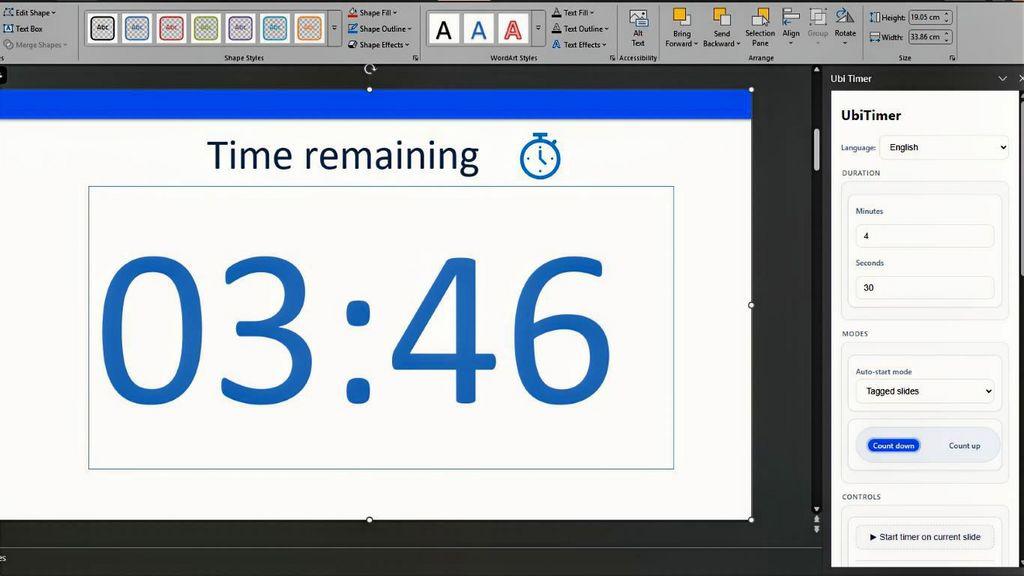
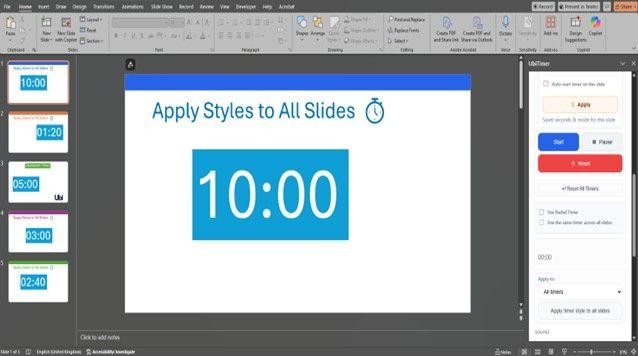
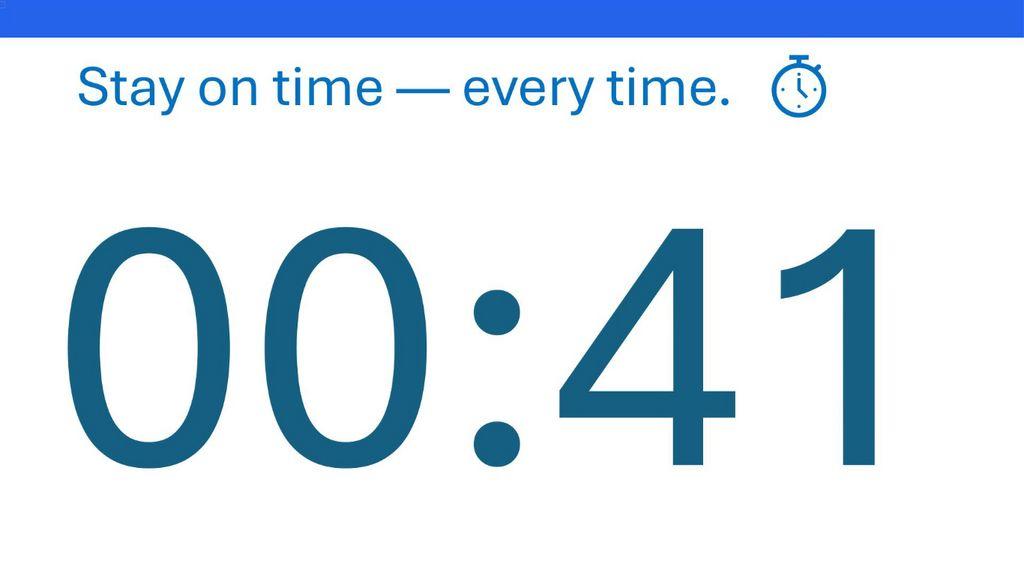
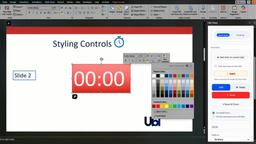
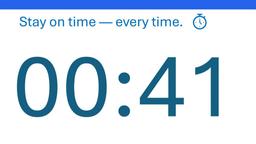
UbiTimer is a specialized PowerPoint add-in designed to help educators and professionals keep their presentations on schedule. It allows users to insert a fully customizable countdown or count-up timer directly into PowerPoint slides, eliminating the need to switch between applications to track time. UbiTimer works seamlessly in both Edit and Slide Show modes, making it an ideal tool for teachers who need to manage classroom activities efficiently. The timer can start automatically as users move from slide to slide, ensuring presentations stay on track without manual intervention or disruptions.
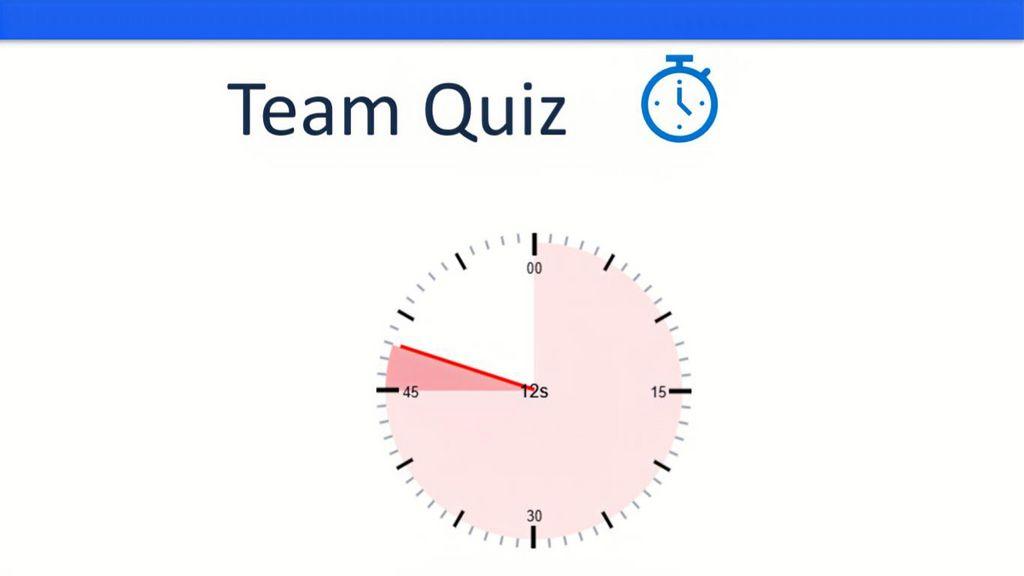
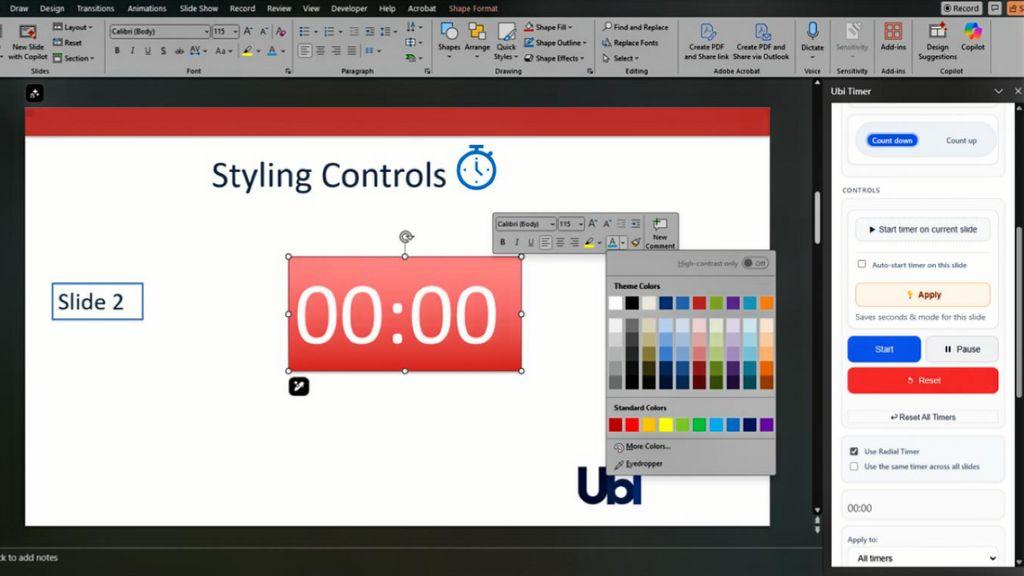
The key capabilities of UbiTimer include both digital and radial timer options that can be fully customized with different fonts and colors to match presentation styles or brand requirements. Users can choose between countdown and count-up functionality depending on their specific timing needs. The Pro version offers enhanced features such as global timers that sync across all slides, snapshots to mark important time points, and a floating timer option for better visibility. UbiTimer is compatible with both Windows and Mac operating systems and has been verified by Microsoft AppSource, ensuring reliability and security for all users.
In educational settings, UbiTimer is implemented as a classroom management tool that helps teachers structure lessons more effectively. Educators use it to time quizzes, group discussions, and quick-fire classroom activities, reducing wasted minutes during transitions between activities. The timer's visual presence on slides serves as a constant reminder to students about time constraints, helping them develop better time management skills. Schools can access UbiTimer for free through the EDU program, making it accessible for educational institutions with limited budgets. Teachers appreciate how the tool integrates directly into their existing PowerPoint workflows without requiring additional training or technical expertise.
Screenshots





PowerPoint on Windows or Mac

null

No specific training information is provided on the website.

The website mentions that priority support is available for Pro users, but specific details about the support options are not provided in the scraped content.
Anyone can create the account.
ubitimer Pricing

Free VersionOne-Off Fee
Pro version costs $9.99 for lifetime access. Free for schools (EDU).
 Optimised for a quick response