Home

What is Tassomai?
Tassomai is an adaptive learning programme for schools and families, from KS2 to GCSE. Students complete short daily quizzes that adapt to what they find difficult, and Mai, our AI tutor, explains mistakes, with tutorial videos for each topic. Tassomai covers science, maths, English language and literature, history, geography, computer science and French, Spanish and German vocabulary, mapped to the main GCSE exam boards. Teachers get a real-time dashboard and Group Quiz for the classroom.
Tassomai’s multiple choice micro-quizzes reinforce knowledge through targeted repetition, like a flashcard. The quizzes are supported by short explainer videos and curated links to relevant external resources. An in-built, AI-powered tutor called 'Mai' is also available to help answer questions from students. At the same time the algorithm is learning each student’s strengths and weaknesses; it uses this information to target the gaps in a student’s knowledge and provide feedback to teachers on which areas individuals and entire classes need help with.
Tassomai saves teachers time in two ways; it teaches AO1s, while also reducing the time they need to spend analysing their students, meaning they can focus on teaching and targeting intervention.
As well as being used in schools, Tassomai is also available for private subscribing families, supporting learners from year 3 to year 11 in all of the subjects mentioned above.
School pricing: quotes are tailored to each school. Please get in touch for a quote. Family subscriptions: from £8.99 a month, with a 7-day trial.
Recommended Usage
Our product presents students with a target: a “Daily Goal” of multiple choice questions for them to try and answer, on average the goal is about 40 questions per day.
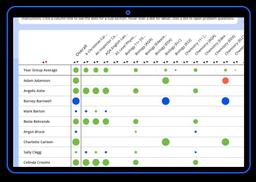
The teacher dashboard presents students’ usage over the past 7 days, and classifies engagement under three headings: Engaged (students who’ve completed their Daily Goal 4+ times over the last 7 days), Struggling (students who’ve completed their DG 2-3 times) or Lapsed (students who’ve completed less than 2 DG). However, not all schools use the DG system as a means of measuring engagement.
Screenshots

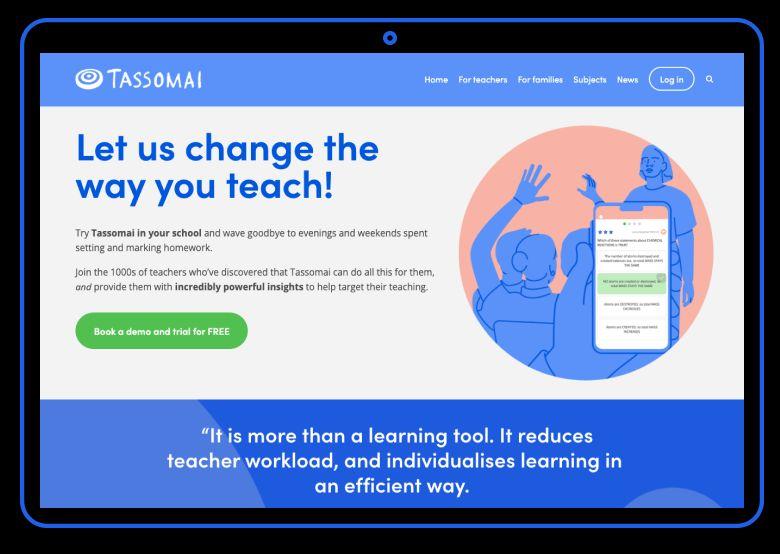

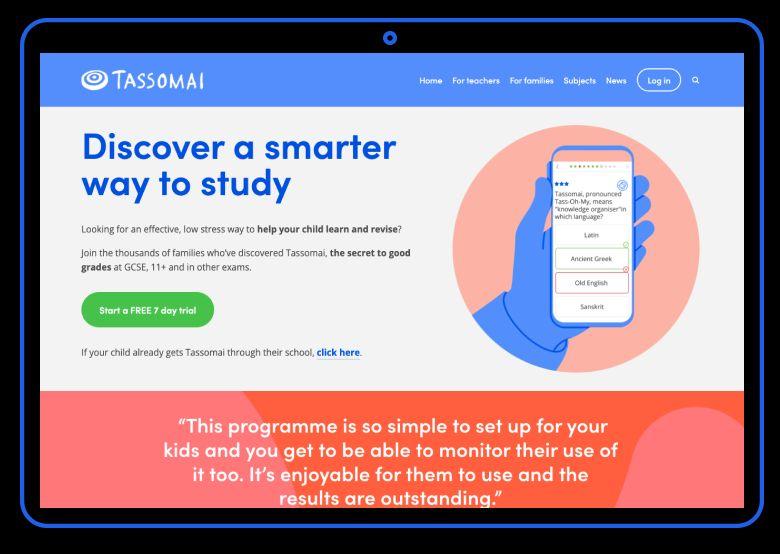
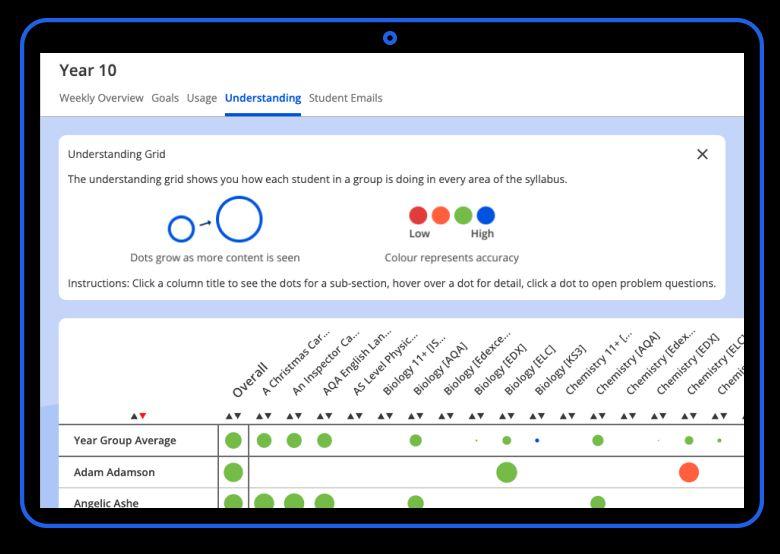
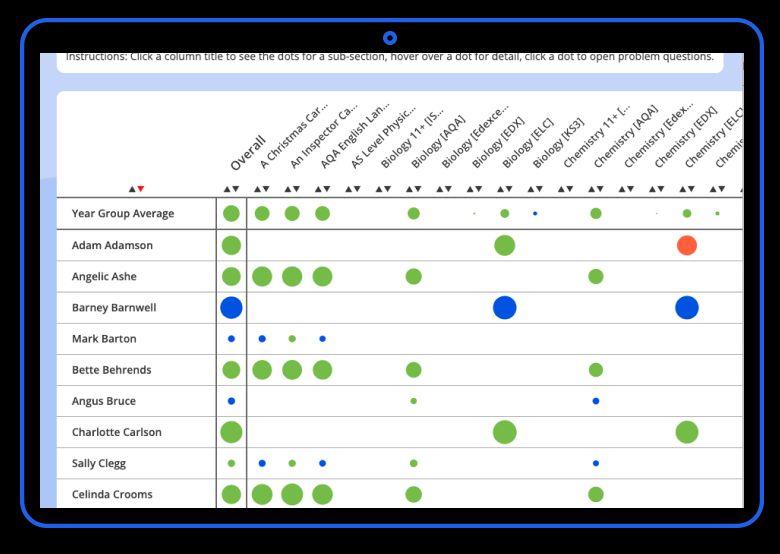
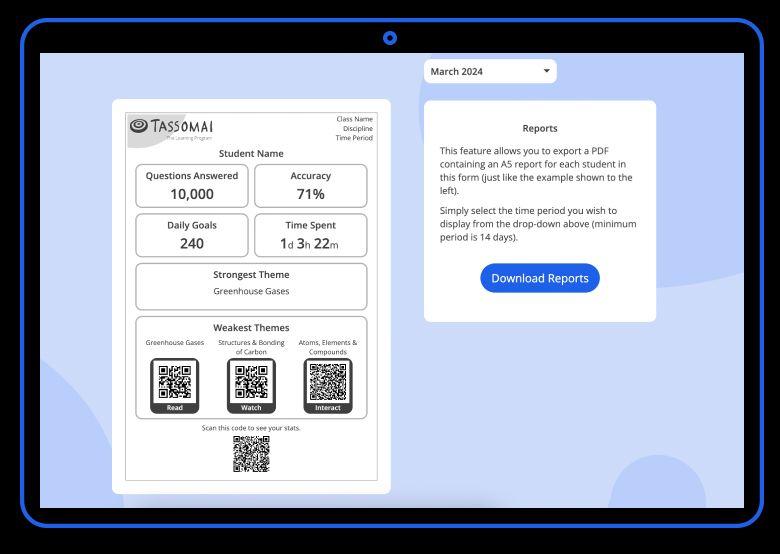

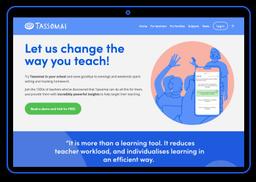
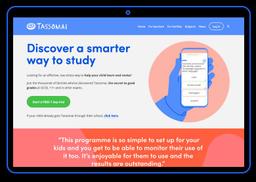
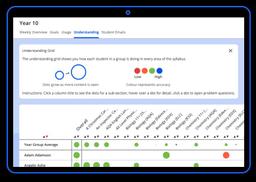
Educational Impact


Tassomai is accessed through a web browser or via our mobile app and it doesn't use a lot of mobile data.

Setups can be conducted start to finish within hours if needed, though usually we have an onboarding process with training at a slightly gentler pace!
First, schools are sent a setup form, in which we take the information required to build orders to our system. During setup, we recommend schools book in a training demo, with at least two members of staff present.
Our setup process creates the complete network of classes, content and staff bespoke to the school's requirements and we integrate with your MIS to create students' accounts and place them into their classes. Login for students can be done via SSO (Google, Microsoft or Wonde) or by using their school email and password.
Staff and students require access to an internet-enabled computer or laptop (including Chromebook) in order to login to Tassomai. Tassomai is supported by all major internet browsers. Additionally, students with a smartphone or tablet will be able to download our mobile app for free and access Tassomai anywhere with an internet signal.

We strongly encourage schools (particularly new schools) to book a 30 minute training demo. Tassomai's founder, Murray, and our staff remain on hand at any time to support with implementation and training, or with customised data reporting or anything else you might need, and will work with you in partnership to get the most out of the tool throughout the academic year.
Our training is conducted via screen-share software (eg. Zoom), unless specifically requested to be in-person. Departments will go through how Tassomai works from both a staff and student perspective, with time left at the end for general Q&A. The training can be repeated with different staff as needed. We also share presentations that staff can use to present to colleagues or to students in launch assemblies.
We also have a wealth of helpful content for teachers and students on our blog and teacher hub designed to boost engagement and impact from using Tassomai.

Teachers have access to a dedicated Teacher Hub which includes "how-to" videos.
Anyone can create the account.
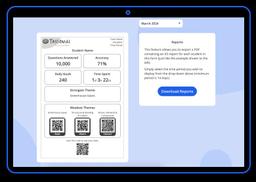
If you are a parent whose child has Tassomai through their school you will be able to log in to your personal parent dashboard to view their progress and you will receive weekly progress reports by email. If you do not receive parent reports, you can ask your child's school to contact the Tassomai admin team to get this up and running.
If you are a private subscribing parent you will have access to your own account to manage it.
Tassomai Pricing

Free TrialPaid Subscription
School pricing: quotes are tailored to each school according to the number of cohorts, students and subjects. Please get in touch for a quote. Family subscriptions: from £8.99 a month, with a 7-day trial.
Private subscribers: Payment is by a monthly rolling subscription which gives access to all relevant subjects, these vary depending on the child's age. Private subscriptions start from £8.99 per month for younger learners. See the Tassomai website for more information and to start a free 7-day family trial.
 Optimised for a quick response


Tassomai Reviews
from 57 Verified Reviews